Gameplay
How to Get More Meal Stands in ONE PIECE: Grand Gourmet
Get more meal stands in ONE PIECE: Grand Gourmet. Learn the table requirement, how to place a stand, and how to check menu capacity and clear access.
Updated
- Guides
- 33
- Topics
- 3
- On this page
- 5
Build Stands to Offer More Set Menus
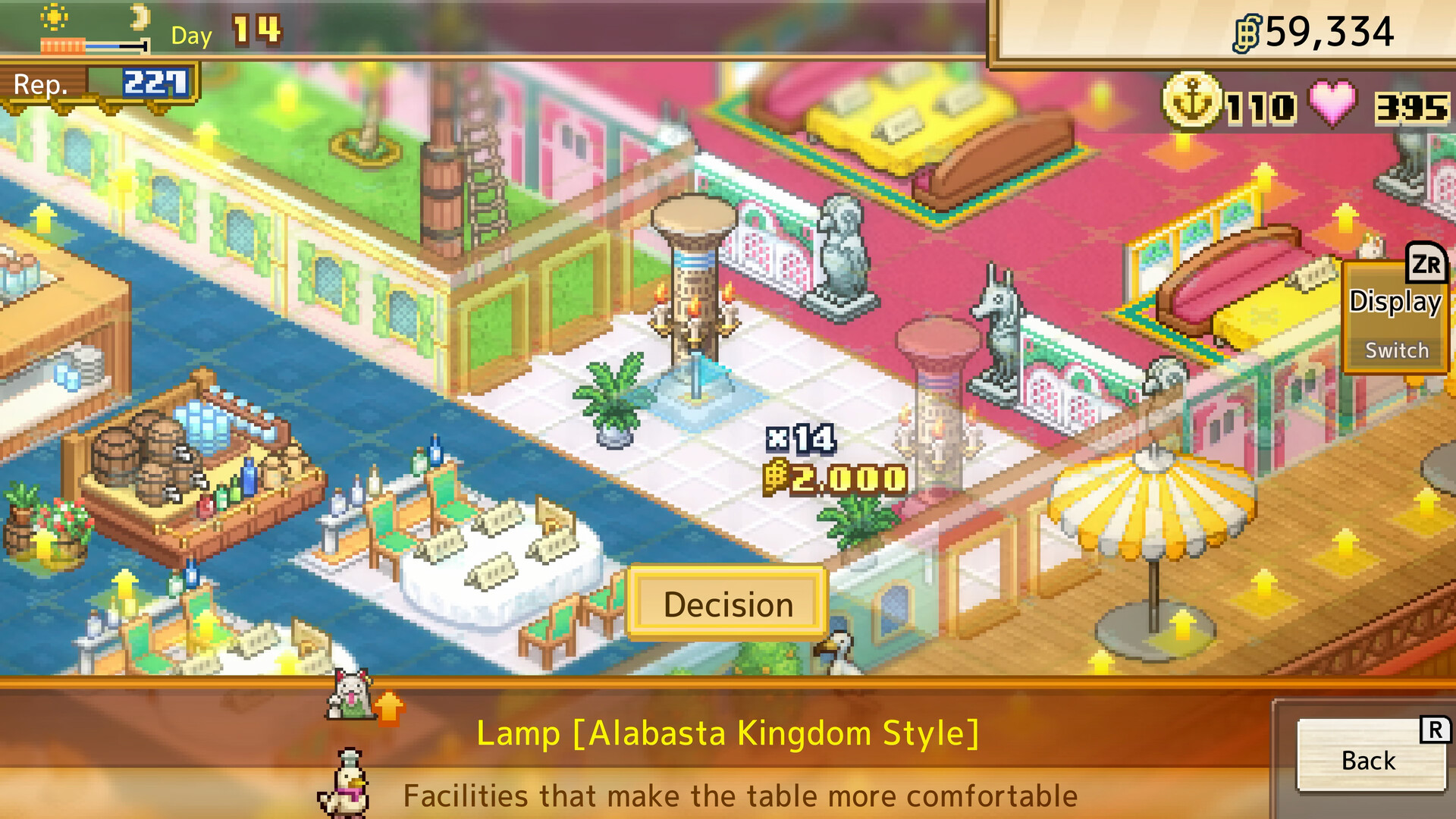
Build additional Set Meal Stands from Build to offer more set menus in ONE PIECE: Grand Gourmet.
To receive the early extra stand, place at least eight dining tables and complete the stand request.Playing this video connects to YouTube.
What a Meal Stand Actually Adds
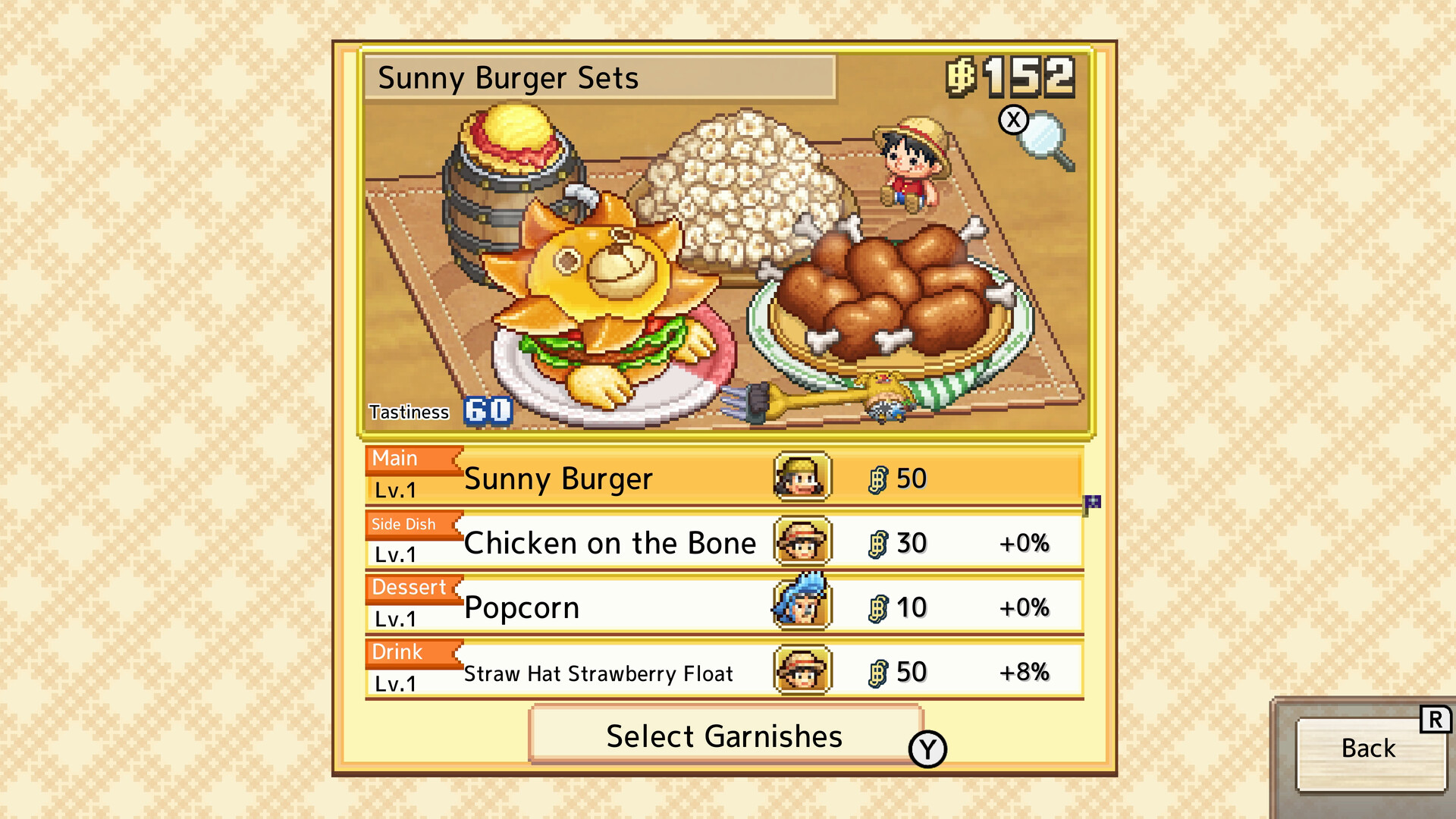
The object you want is the Set Meal Stand, a facility that increases the number of different set menus you can offer. It does not add more dish positions within an individual meal set. Those positions are for a main dish, side dish, dessert and drink.
Start by identifying where you are stuck: saving another meal combination or arranging the restaurant floor. Check Set Menu for the former, and inspect the stand’s footprint and nearby access routes for the latter. Keeping those checks separate helps you decide whether to build another stand or rearrange what you already have.
Receive and Place an Extra Stand
Build enough dining tables to have at least eight in the restaurant. This meets the table condition for receiving an extra Set Meal Stand.Playing this video connects to YouTube.
Open Menu → Management → Everyone’s Requests to check the stand request. This takes you to the requests screen, where you can review available objectives.Playing this video connects to YouTube.
Complete the available stand request to receive the Set Meal Stand. The reward supplies the extra facility you are trying to add.Playing this video connects to YouTube.
- Select Set Meal Stand in Build. Check the selected object before placing it so you do not spend your effort adding another dining table or dish decoration.
- Place the stand in an available buildable area. Inspect its footprint and the surrounding access routes before settling on the layout.
- Return to Set Menu and try saving another combination. Comparing the capacity before and after construction shows whether the additional stand has taken effect.
Separate Menu Limits From Placement Problems
If Set Menu still will not save another combination, check which object you placed. A dining table or dish decoration is not the Set Meal Stand needed for this task. Recheck the capacity shown in Set Menu after placing the correct facility.
If the added menu space is available but the area around the stand is crowded, inspect the layout separately. Look at the furniture footprint and the routes around nearby objects. Avoid treating every problem near a stand as a shortage of menu slots.
- Check that the selected facility is a Set Meal Stand before testing menu capacity.
- Use the move option in the building menu to reposition existing facilities or furniture; removal is a separate action.
- Try saving another set-menu combination after construction, then inspect access routes as a separate check.