Gameplay
ONE PIECE: Grand Gourmet Money Loss: Cut Daily Costs
Find out why ONE PIECE: Grand Gourmet deducts money at day’s end, how to spot costly furniture and staff, and how to improve profit while progressing.
Updated
- Guides
- 33
- Topics
- 3
- On this page
- 5
Why Your Money Drops When the Day Ends
Your restaurant loses money at the end of the day because employee wages and upkeep for constructed furniture and facilities are deducted from its sales. Busy tables can still leave you with negative daily earnings when those running costs exceed your revenue.
Berries come in through dish and item sales while the restaurant is open. The sales total shows that incoming revenue; the end-of-day expense breakdown helps explain how much you actually keep. Before expanding again, compare those results and identify whether staff costs, furniture upkeep or both are putting pressure on your balance.
Upkeep Costs Worth Checking First
Start with expensive decorations and facilities you have actually placed. Use the furniture catalogue to match their names to their upkeep values, then consider what each piece contributes to your restaurant. The examples below give you useful items to look for during that review.
| Item | Upkeep in Berries |
|---|---|
| Futuristic Palm Tree | 275,000 |
| Street Lamp [Wano] | 275,000 |
| Partition [Wano] | 150,000 |
| Partition [Egghead] | 125,000 |
| Ceiling Lamp [Egghead] | 75,000 |
| Animal Rest Area | 32,500 |
| Ceiling Lamp [Marine] | 3,500 |
| Aquarium | 0 |
Keep placement cost and upkeep separate when comparing items. Lamp [Alabasta Kingdom], for example, has a shown cost of 2,000 berries and listed upkeep of 22,000 berries. Check both figures before treating a decoration as an affordable addition.
Find and Reduce the Costs Behind a Loss
- Compare the day's sales with the end-of-day expense breakdown. This shows how incoming revenue is being absorbed by wages and upkeep, giving you a starting point for deciding which costs deserve attention.
- Review staff costs through the management menu. Characters have different daily costs, so compare your available options and identify expensive assignments you could replace while keeping service moving.
- Match your placed furniture and facilities to their catalogue upkeep values. Start with the largest costs you find, then judge whether each item supports service, comfort or a current progression requirement.
- Check your current requests and hospitality conditions before choosing anything for removal. Keep the facilities those tasks need, so your attempt to improve cash flow does not interrupt the progress you are working toward.
- Remove an unnecessary item with high upkeep after reviewing its purpose. Prioritize pieces you can comfortably do without, and make changes gradually so you can assess the effect before stripping out more of the restaurant.
- Compare the following day's sales and expenses after your changes. Keep optional purchases modest during that comparison, making it easier to judge whether the restaurant is retaining more of what it earns.
Protect Comfort and Progression While Cutting Back
Try repositioning useful furniture before buying more decorations. In the building menu, choose the move option to rearrange existing pieces, and use their displayed effect areas to reach several tables where possible. Check each affected table afterward to see what the new arrangement contributes.
Comfort rank C enables remote ordering at a table, saving staff the trip to take an order and helping tables turn over faster. Preserve that service benefit when reviewing the decorations around your seating. A cheaper arrangement is worth testing carefully if removing furniture would take a table below that comfort rank.
Required table themes also deserve protection. Marine furniture gives a table the Marine theme needed for Smoker, while Drum Kingdom furniture provides the theme needed for Wapol. Keep those requirements in mind before removing themed pieces solely because their upkeep looks expensive.
Players report that demolishing furniture refunds nothing, and placing it again costs the full price. Use the move option when your goal is to rearrange the room. Reserve removal for an item whose ongoing cost you have decided to cut, rather than expecting demolition to refill your balance.
Earn More From the Restaurant You Already Have
Alongside reducing unnecessary costs, improve the revenue your existing restaurant can generate. Matching-seal set menus and better service are useful ways to work on earnings. Keep checking the end-of-day result as you make these changes, because higher sales still need to cover your running costs.
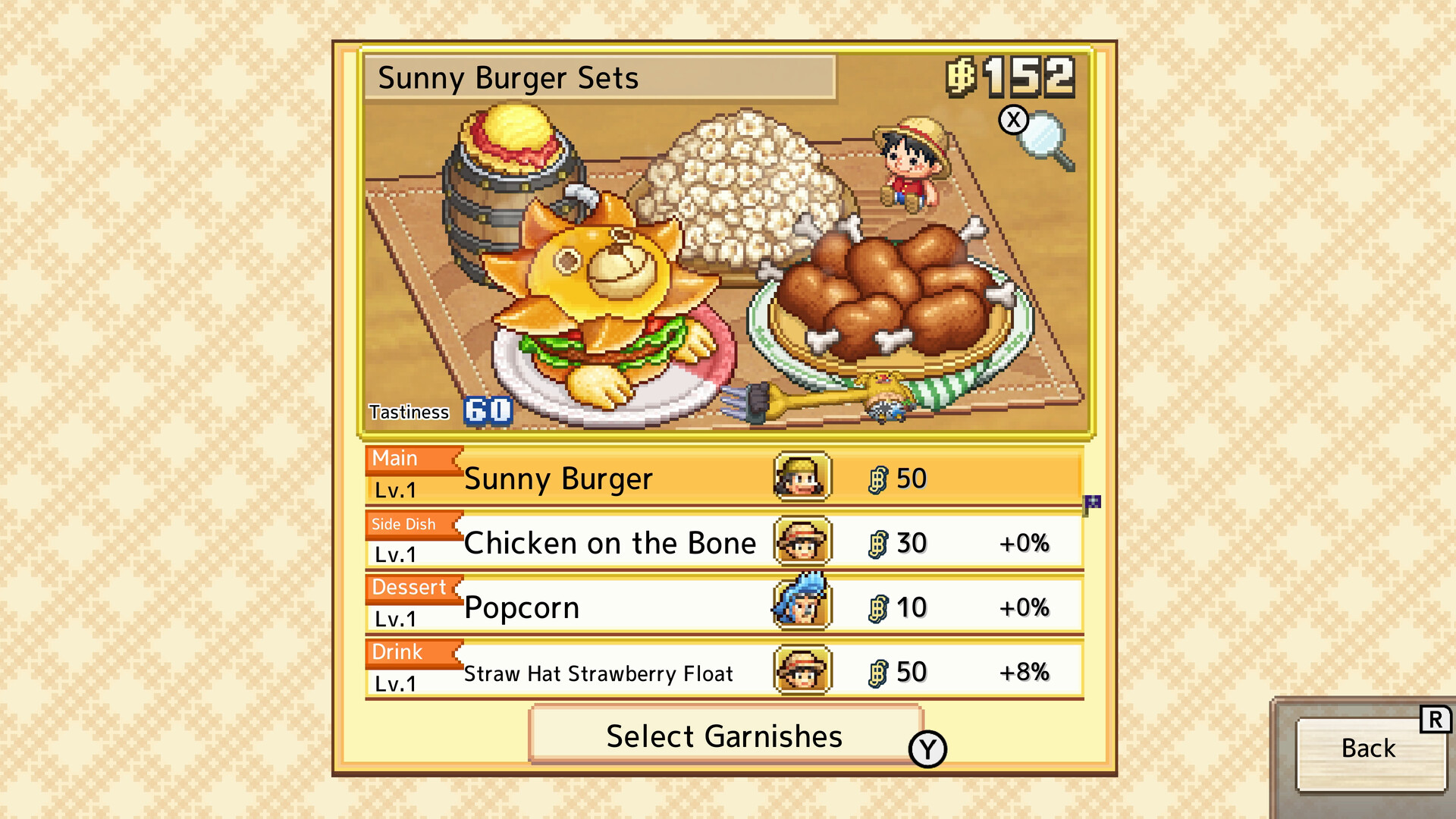
- Edit a set menu using dishes with matching seals of approval. The endorsing crew member's icon appears beside each dish in the selection list, helping you identify combinations to use when improving menu revenue.
- Add a price or second-helping garnish when editing a set menu to raise daily sales. Choose the effect for your immediate goal; tastiness garnishes are useful for hospitality challenges and cooking battles.
- Give customers suitable gifts through Menu → Actions → Gift to improve their speed and appetite. Equipment gifts can be moved between characters, letting you reuse them as your visiting customers change.
- Complete delivery and invitation requests you can currently satisfy to increase meal-set prices. Work these into your recovery plan alongside cost reductions, keeping any facilities needed for their conditions in place.