Gameplay
ONE PIECE: Grand Gourmet Table Themes: Fix Deck Tables
Learn why tables become Deck Tables in ONE PIECE: Grand Gourmet, how furniture and flooring affect themes, and how to prepare the right hospitality seat.
Updated
- Guides
- 33
- Topics
- 3
- On this page
- 7
Why your table becomes a Deck Table
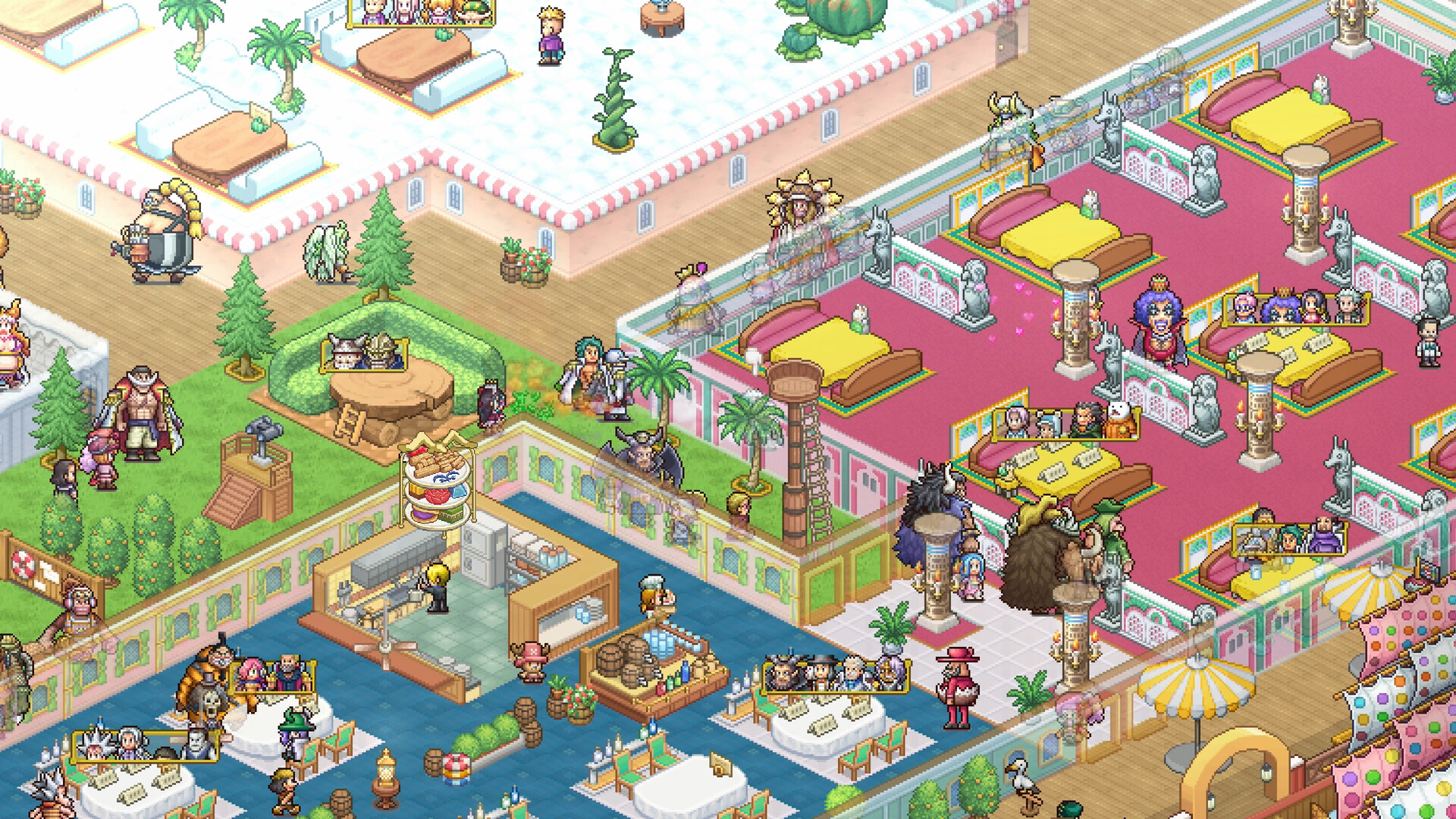
Tables become Deck Tables when Deck-category furniture dominates their surroundings. To choose another theme in ONE PIECE: Grand Gourmet, change the furniture category around the affected table and check its indoor or outdoor flooring; you can keep the existing table.
Check category icons, furniture coverage and flooring
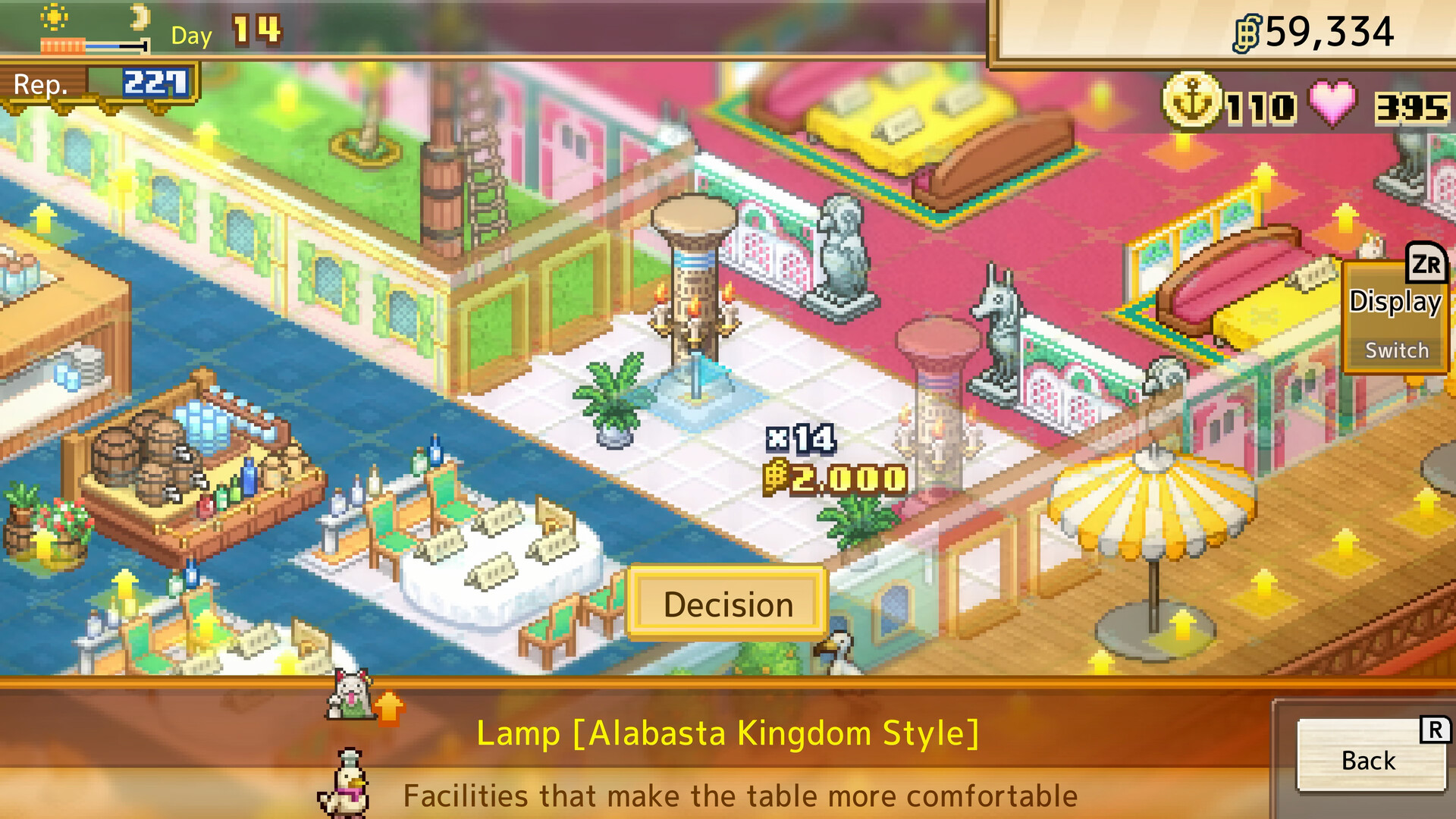
Look at the category icon in the top-left corner of the surrounding furniture. Deck-category items carry a fish-face mark, and examples include Bench [Deck], Partition [Deck] and Exterior Light [Deck]. When choosing a different theme, keep every competing category below the category you want around that table.
Flooring determines whether an area is indoors or outdoors: indoor flooring creates an indoor room, while deck flooring creates an outdoor deck. Some table types and decorations work only indoors or only outdoors. Check that setting alongside the surrounding furniture categories when the result differs from the theme you intended.
Use the effect area displayed during furniture placement to check which tables an item reaches. A decoration can cover several tables, so check the category and comfort of nearby seats after rearranging it. Work on a small seating area before repeating the arrangement across the restaurant.
Change an unwanted Deck Table without rebuilding
- Check the second page of the affected table’s information screen to identify the furniture influencing its theme.
- Open Build → Move to reposition the existing furniture while keeping the objects you already placed.
- For a ceiling decoration, switch to the ceiling layer on the move screen so you can select the item overhead.
- Move Deck-category furniture away from the affected table to reduce its influence on that seat’s theme.
- Place furniture from your preferred category around the table until that category dominates over the competing themes.
- Check the table’s theme and comfort after the change so you can review the result before rearranging the surrounding seating.
Get blueprints, theme books and flooring
Buy Facility Blueprints from the shop in Nami’s break room after recruiting her and building the room. The shop replenishes its stock on subsequent in-game days. Unassigned Luffy can also find blueprints randomly in sea treasure chests, with his finds collected from his break room.
Franky uses Facility Blueprints to craft furniture in his break room. Marine and Drum Kingdom facilities also require their matching theme books, which can appear as outing rewards. More book types appear as you progress, so check the theme mark on the book when preparing your materials.
Some floors and shops come directly from customer requests without needing a blueprint. Open Menu → Management → Everyone’s Requests to review those requests. Marine flooring comes from Koby’s request, Drum Kingdom flooring from Dr. Kureha’s request, and Alabasta Kingdom flooring from Vivi’s request.
Prepare the requested table for a hospitality guest
- Check the guest’s requested table type before choosing a seating area; this tells you which furniture category to build around.
- Craft matching themed furniture in Franky’s break room to prepare the pieces needed for the guest’s requested table category.
- Place the crafted furniture from the Build menu with the chosen table inside its displayed effect area; placement still costs Berries after crafting.
- Check the table’s displayed theme to see whether it now matches the guest’s request before starting the hospitality challenge.
- Add suitable decorations within range of the selected table to raise its comfort alongside the required theme.
- Check your meal set’s tastiness in the set-menu list before choosing food for the challenge; the challenge screen does not show that stat.
- Review the guest’s targets after your first hospitality attempt to identify which comfort, reputation or tastiness requirements need further work.
Match the table theme to your hospitality guest
Choose the furniture category for the guest you want to welcome. Deck Tables are useful for Aokiji and Helmeppo, so an existing Deck-themed seat may already suit your next invitation. A dedicated hospitality seat can also be reused for later guests.
| Table theme | Hospitality guests |
|---|---|
| Pirate | Mihawk, Yamato |
| Deck | Aokiji, Helmeppo |
| Marine | Fullbody, Smoker, Spandam |
| Drum Kingdom | Trafalgar Law, Wapol |
| Alabasta | Crocodile |
| Sky Island | Wyper |
| Thriller Bark | Magellan |
| Sabaody | Eustass Kid, Killer |
| Fish-Man Island | Doflamingo, Shirahoshi |
| Whole Cake Island | Reiju |
| Wano Country | Black Maria, Jack, Kaido, Sasaki, Who's-Who |
Check comfort and food after fixing the theme
Hospitality challenges score comfort, table type, reputation and set-menu tastiness. Passing requires 75 points in total, and the requested table type is worth 20 points. Once the table shows the right theme, review the remaining categories before making further layout changes.
Smoker wants a Marine table, with targets of comfort 80, reputation 200 and meal-set tastiness 100. Wapol wants a Drum Kingdom table, with targets of comfort 120, reputation 75 and meal-set tastiness 20. Prepare the seat for the guest you are inviting, then use their challenge results to guide your next improvements.